
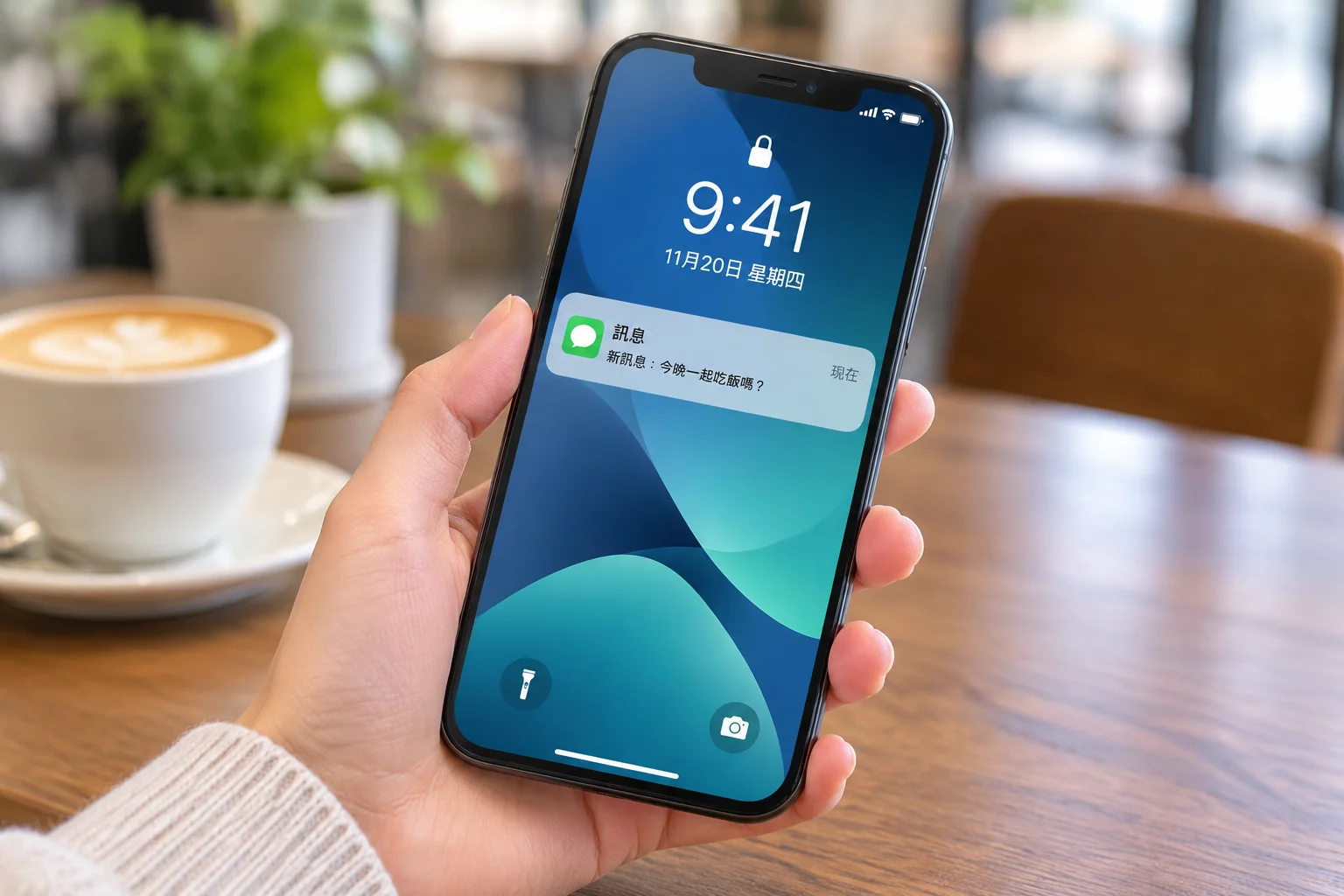

The Mechanics of Mobile Push Notifications
Mobile push notifications serve as a vital bridge between an application and its user. When implemented with care, these alerts provide timely information that enhances the utility of a service. However, the path a notification takes from a server to a screen is more complex than it appears, involving specific platform services and strict user-centric protocols.
Understanding this delivery chain is essential for developers who want to maintain functionality without compromising the user experience. By focusing on how these systems operate, teams can create more reliable and respectful communication loops.
The Delivery Architecture
Push notifications rely on centralized infrastructure provided by the operating system developers. When your server needs to alert a user, it does not send the message directly to the phone. Instead, it transmits the data to a platform-specific service, such as the Apple Push Notification service or Firebase Cloud Messaging.
These services act as intermediaries, managing the connection state of every registered device. They handle the delivery logistics, ensuring that messages reach the intended phone even when it is in a low-power mode or has an unstable network connection. This design prevents apps from maintaining constant, battery-draining connections to your own servers.
Managing User Permissions
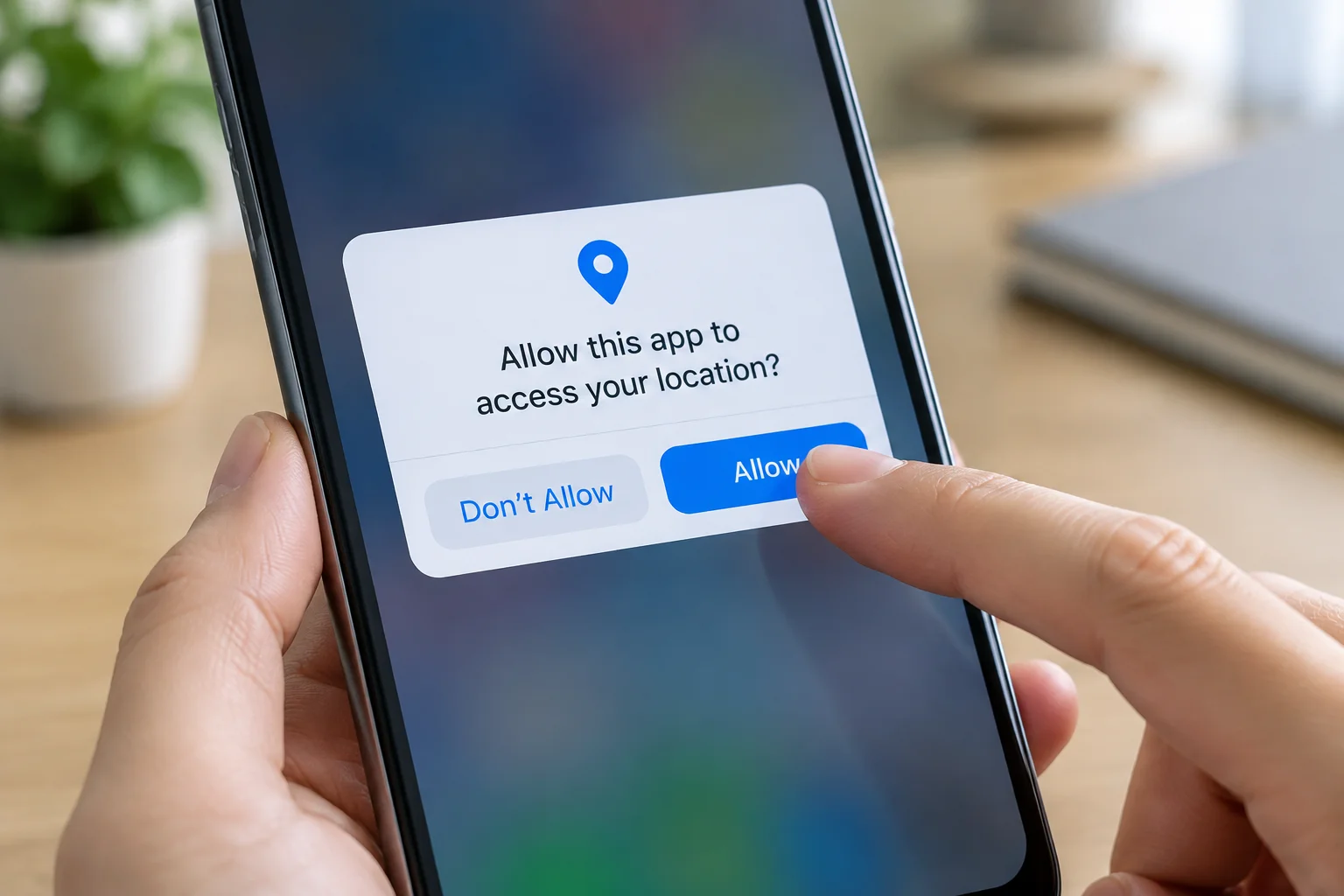
The relationship between an app and its user begins with the permission prompt. Modern mobile operating systems treat push notifications as a privilege, not a right. Before any alert can reach the home screen, the app must explicitly request and receive authorization from the user.
This gatekeeping mechanism is designed to prevent spam and preserve the user's attention. Developers should consider the timing of these requests carefully. Asking for permission immediately upon the first launch often leads to lower acceptance rates. Instead, successful apps wait for a moment of context, where the user understands why a notification would be beneficial to their current task.
- Explain the clear value proposition before asking.
- Use system-native prompts for better trust levels.
- Allow users to configure alert types easily.
- Respect the user's choice to opt out.
- Provide a simple way to change settings.
- Monitor permission acceptance rates regularly.
Maintaining Notification Utility
Useful notifications are defined by their relevance and timing. To avoid being perceived as intrusive, developers must ensure that every alert serves a clear purpose. A notification should either provide actionable information or update the user on a process they are actively tracking.
When an app sends too many alerts, users often disable them entirely or uninstall the app to regain control over their device. The goal is to establish a balance where the notification acts as a helpful assistant rather than a constant distraction. This requires testing different cadences and content types to see what resonates with your specific audience.
Platform Constraints and Guidelines
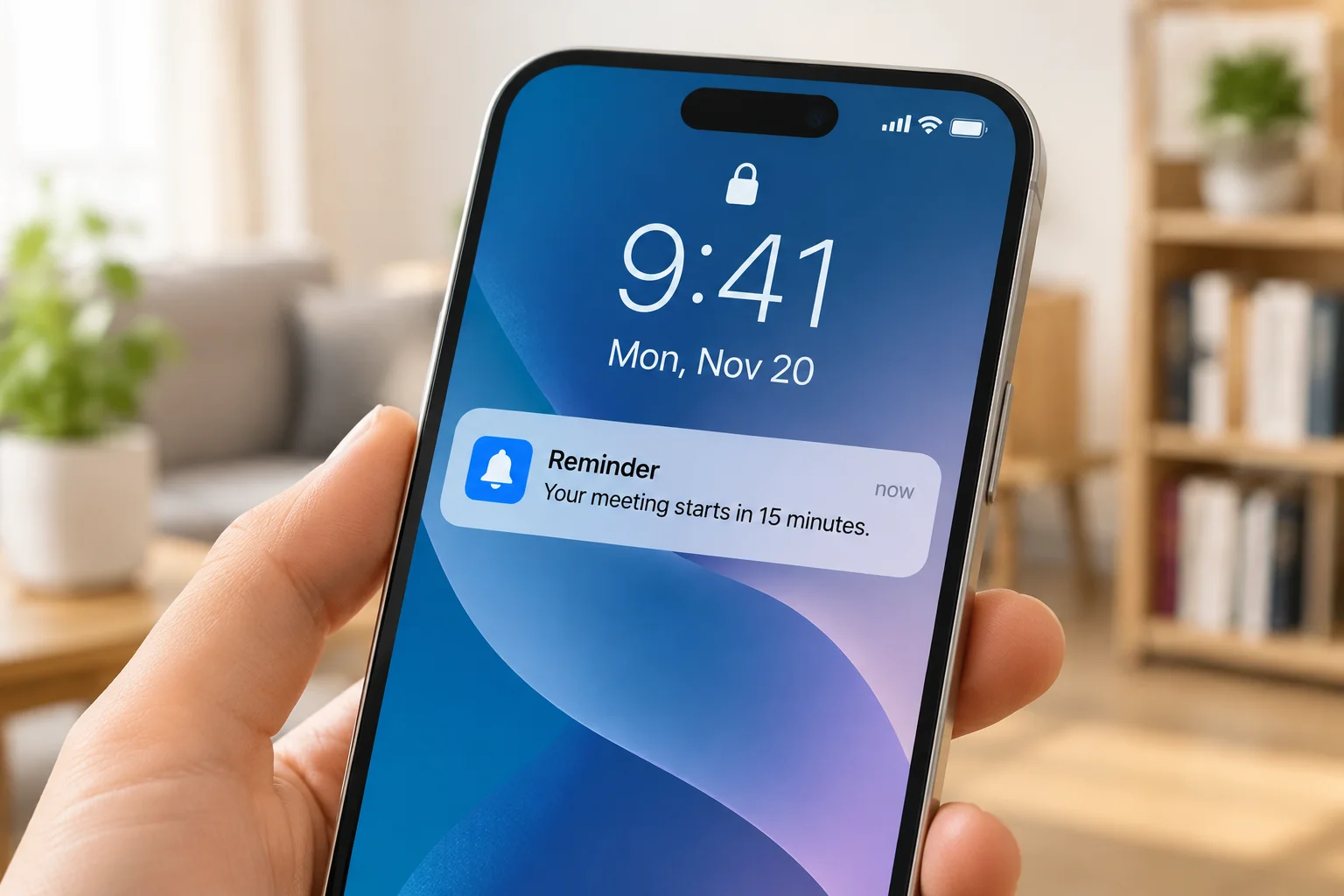
Every mobile platform enforces strict guidelines regarding how notifications look and behave. While developers can supply the text and some metadata, the system controls the final presentation on the screen. This ensures that all notifications follow a consistent design language, which helps users quickly scan and process incoming information.
Developers must also handle delivery failures gracefully. If a device is offline for an extended period, the platform service may discard older messages in favor of newer, more relevant ones. Understanding these constraints helps in designing a robust system that does not rely on the guaranteed delivery of every single message sent.
Developing for push notifications requires a shift in perspective. It is not about how many alerts you can send, but how much value you can provide with each one. By respecting the user's control and mastering the technical delivery services, you ensure that your app remains a welcome presence on their device.